How it works
Type the number you were given.
Pick the type first: UPC-A in the US and Canada, EAN-13 everywhere else, Code 128 for your own stock codes. For UPC and EAN, leave off the last digit.
Then we work out the check digit.
Typed all the digits? We check the last one instead, and if it's wrong we tell you the right number before anything is printed.
Download it, sharp at any size.
PNG at 300 DPI for Word, Canva and label printers; SVG or PDF for packaging artwork. Every file is drawn at a whole number of printer dots per bar, so bars never blur.
Then prove it scans.
Print one and point your phone at it. The checker tells you if it reads, if it says the right number, and what to fix before the big print run.
Beyond one barcode
The jobs that usually send people to paid label software or an app, done in the same site.
- Type
- EAN-13
- Check digit
- 7, correct
- Licensed through
- GS1 office for Poland
- Product
- Looked up in Open Food Facts
Scan any barcode and see what it means
Point your phone or webcam at a barcode or QR code, or drop in a screenshot. You get the number, whether it's valid, who issued it and, for products and books, what it is.
| Code | Type | Count |
|---|---|---|
| MUG-NVY-12 | Code 128 | 24 |
| 036000291452 | UPC-A | 11 |
| CAP-OLV | Code 128 | 7 |
| TOTE-NAT | Code 128 | 3 |
Count stock with your phone
Every scan adds one. Plug in a USB scanner if you have one, fix mistakes with + and −, and download the count as a CSV. Install it as an app and it works offline in the stockroom.
| Handle | Title | Variant SKU | Variant Barcode |
|---|---|---|---|
| mug | Mug, navy | MUG-NVY-12 | |
| mug | Mug, sand | MUG-SND-12 | |
| cap | Cap, olive | CAP-OLV | |
| tote | Tote bag | TOTE-NAT |
Hundreds at once, from a spreadsheet
Open a CSV or a Shopify product export, pick the column, and download every barcode in one ZIP. Or build a numbered run like INV-00001 to INV-00500.
Straight onto label sheets
Avery 5160, 5167, L7160 and other sheets, or a Rollo, Zebra or DYMO thermal printer. Add a line of text, set copies, and skip the labels already used on a half-empty sheet.
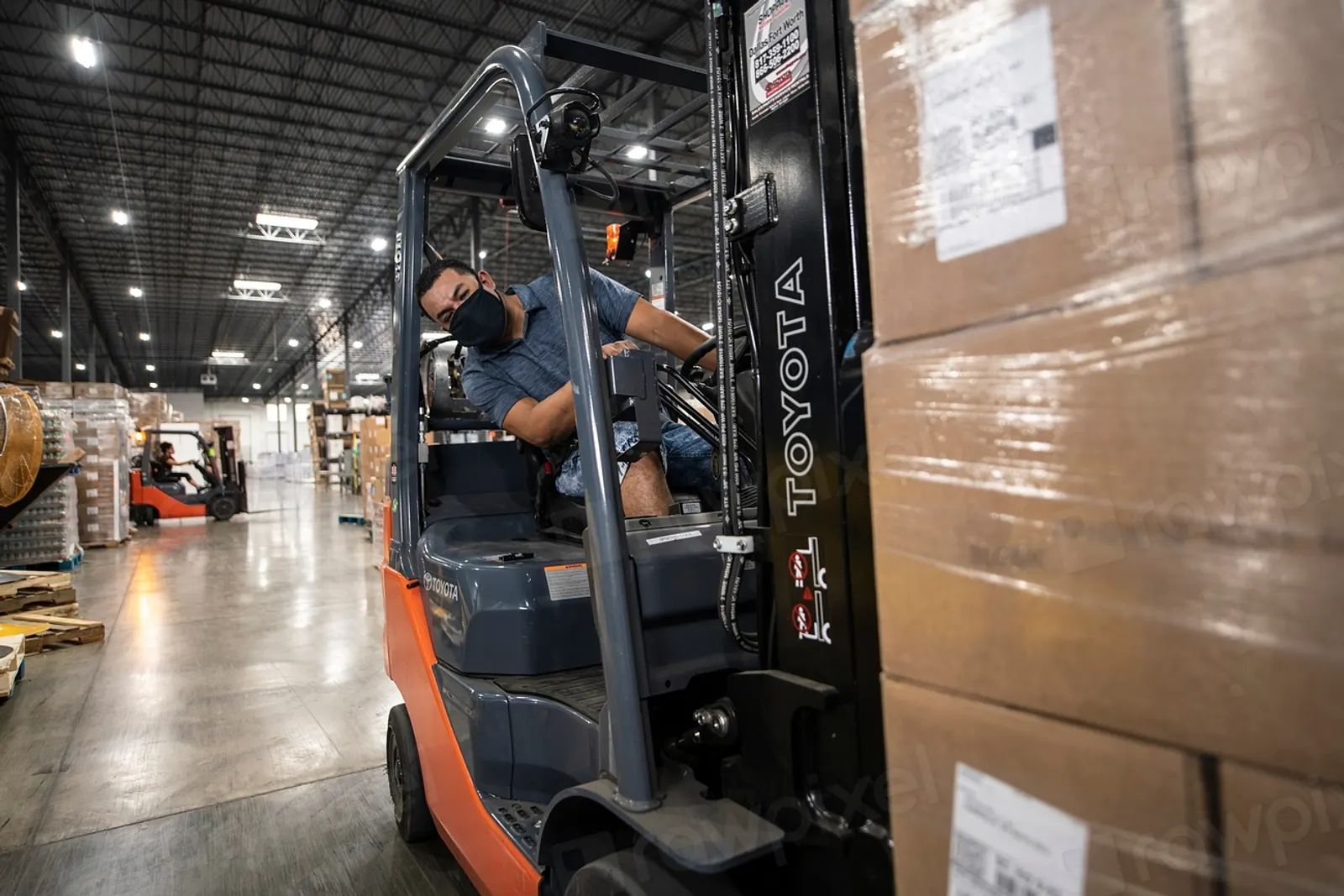
Amazon FBA labels, title and condition included
Paste the FNSKU from Seller Central, add the product name and "New", and print 30 to a sheet or one at a time at 2.25 × 1.25 inches.
| Digit | 0 | 3 | 6 | 0 | 0 | 0 | 2 | 9 | 1 | 4 | 5 |
|---|---|---|---|---|---|---|---|---|---|---|---|
| × weight | 3 | 1 | 3 | 1 | 3 | 1 | 3 | 1 | 3 | 1 | 3 |
| = result | 0 | 3 | 18 | 0 | 0 | 0 | 6 | 9 | 3 | 4 | 15 |
Sum 58. Next ten is 60, so the check digit is 2.
Check digits, with the working shown
Work out or verify the last digit of any UPC, EAN, GTIN-14, SSCC or ISBN, and see each step of the sum.
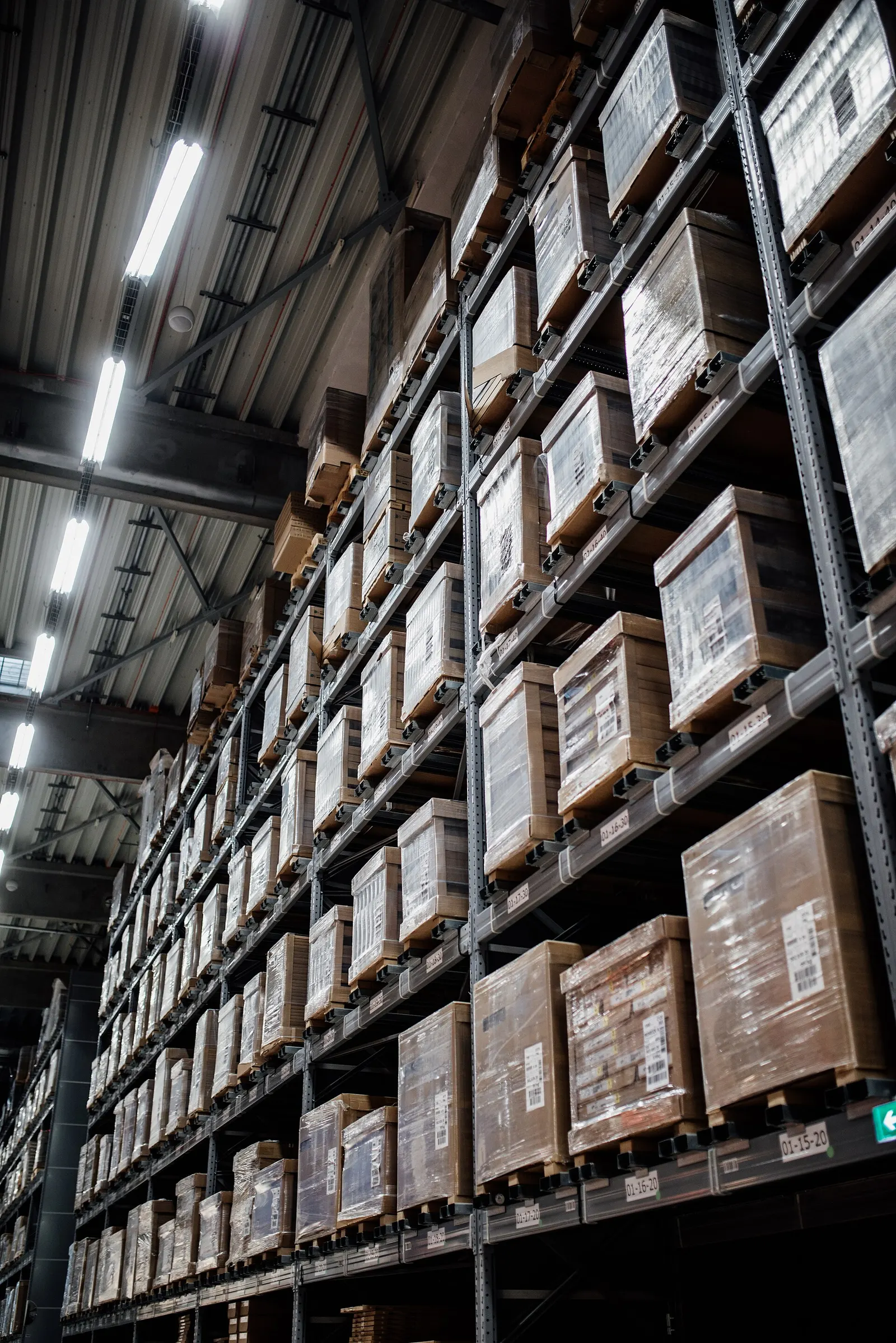
Which barcode to use
Selling a product in shops or online? Use the number GS1 gave you, as a UPC-A or an EAN-13. Labelling your own stock, bins or assets? Use Code 128 with any code you like. Each type has its own page with sizes, rules and a preset generator.
- Retail products
- UPC-A12 digits · US and Canada shops
- EAN-1313 digits · shops everywhere else
- UPC-E8 digits · small US packs
- EAN-88 digits · small packs
- ISBN978 or 979 · book covers
- GS1 DataBarGTIN in less space · produce, coupons
- Shipping and inventory
- Code 128Any text · SKUs, FBA labels
- Code 39A–Z, 0–9 · asset tags, VINs
- ITF-1414 digits · outer cartons
- GS1-128Batch, expiry, SSCC · pallets
- Code 93A–Z, 0–9 · logistics, Canada Post
- Interleaved 2 of 5Even-length digits · warehouses
- CodabarDigits · libraries, labs
- USPS Intelligent Mail31 digits · letters and flats
- 2D codes
- QR CodeLinks, Wi-Fi, text · never expires
- GS1 Digital Link QRGTIN in a web address · products
- Data MatrixUp to 2,335 characters · parts
- Aztec CodeNo margin needed · tickets
- PDF417Up to 1,850 characters · documents
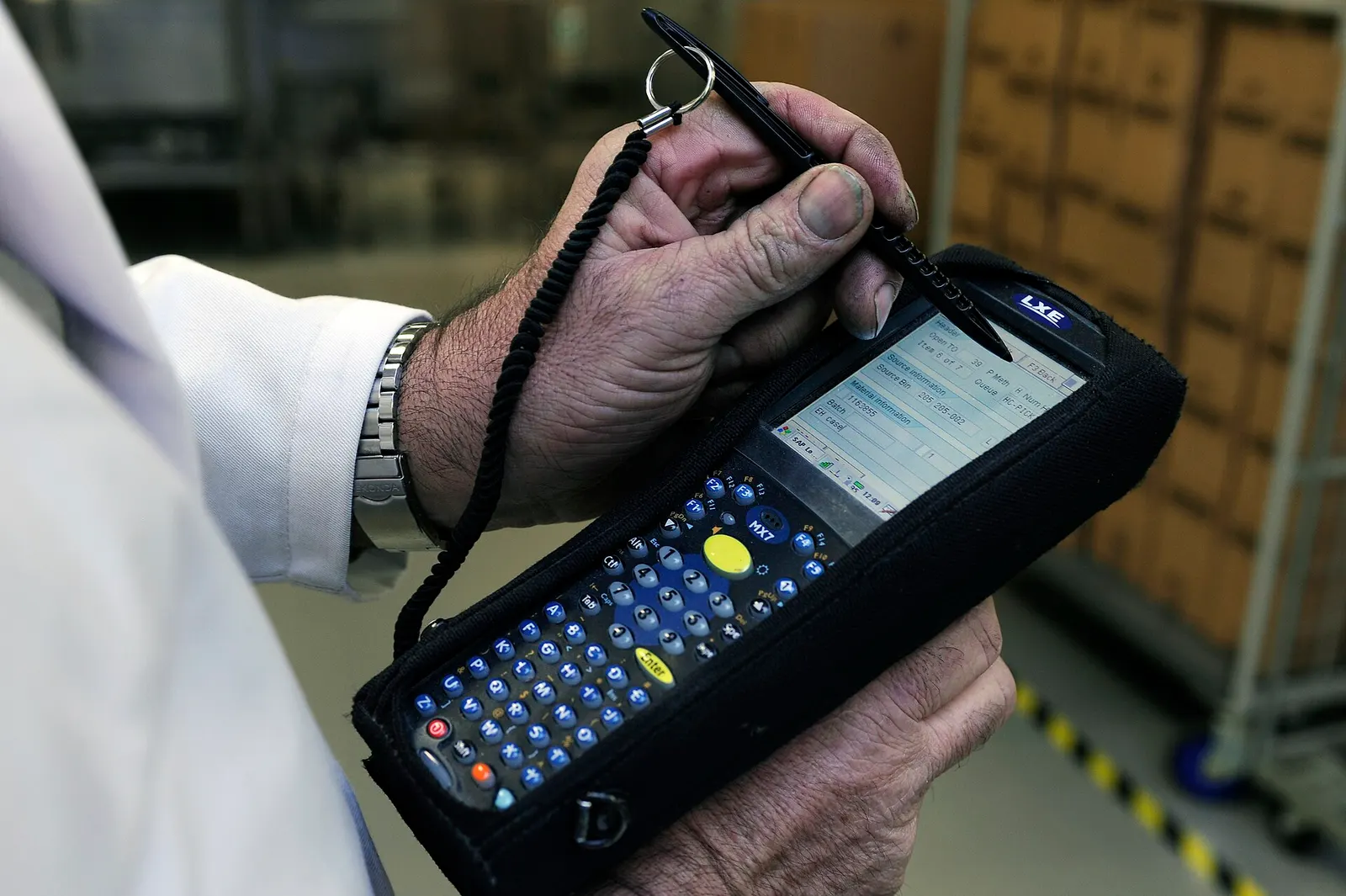
Barcodes that scan first time
Keep the margins
Every barcode needs blank space on both sides, the quiet zone. Don't let text, borders or the label's edge touch the bars.
Dark bars on a light background
Black on white is best. Most scanners use red light, so red, orange or yellow bars look blank to them.
Resize with the bar width, never by stretching
Dragging the corners of an image changes bar widths unevenly. Change the size here and download again.
Don't cut the bars short
Shortening bar height makes the code harder to read at an angle.
Print one and scan it
Before a big run, print a copy at 100% on the real printer and paper, and scan it with the scanner you'll use.
Your number comes from GS1
Making the barcode isn't the same as owning the number. We draw any valid number for free. To sell in shops or on Amazon, Walmart and Google Shopping, the number itself must be licensed to your company by GS1. Marketplaces check product numbers against GS1's database, and cheap recycled numbers are often rejected.
Questions
Yes. Every barcode type, format and size is free, with no watermark and no account. The site is paid for by ads.
Yes. The barcode images you make are yours to use on products, packaging and labels. For retail UPC or EAN codes, the number itself must be licensed to your company by GS1; the image is free.
PNG at 300 DPI works almost everywhere, including Word, Google Docs and Canva. Use SVG or PDF for professional printing or packaging artwork, because they stay sharp at any size. Use JPG only if a website insists on it.
The usual causes are missing blank margins, a stretched or blurry image, low contrast (red or light grey bars) or bars that are too thin for the printer. Download at 300 DPI, keep the quiet zone, print at 100% scale and use black bars on white.
No. The barcode is drawn by code running in your browser. Nothing you type is sent to our server.
Yes. The QR code generator makes static codes that never expire, and the GS1 Digital Link QR generator puts your product's GTIN in a QR code. Data Matrix, Aztec and PDF417 are here too.
Yes. Press Test it scans under the barcode, then point your phone at the printout. The barcode checker also tests image files for contrast, blur, margins and size.